Backup server
Keeping data safe.

Copyright © 2024, Wilbernight Operating Company, LLC. All Rights Reserved. The Wilbernight word mark is a registered trademark of Wilbernight Operating Company,
Keep copies of your servers, sites and files in a separate datacenter, automatically and on schedule — so a failed disk, a bad update or ransomware is an inconvenience, not a disaster.
 Automatic scheduleOff-site copiesFast restore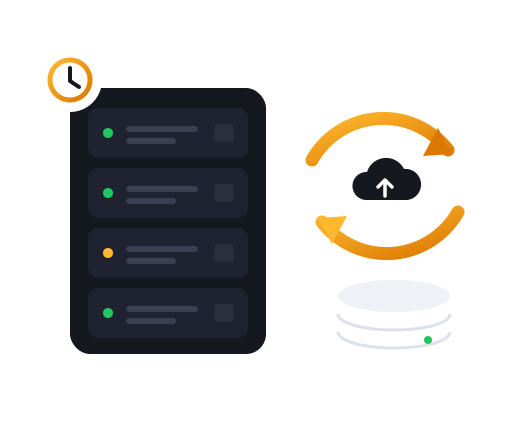
 Automatic
Scheduled and hands-off
Automatic
Scheduled and hands-off
 Off-site
A separate datacenter
Off-site
A separate datacenter
 Encrypted
Protected in transit
Encrypted
Protected in transit
 Fast restore
Files or whole systems
Fast restore
Files or whole systems
A Synology NAS hosted in a Swiss data centre
per month
 Off-site copies
Encrypted transfers
Add space as you grow
Off-site copies
Encrypted transfers
Add space as you grow
Set the schedule once; copies are made every day or hour without anyone lifting a finger.

Keep several versions, so you can return to the day before something went wrong.
Copies live away from the original, so one incident cannot take both.
Data is encrypted on its way to storage and kept private once it arrives.
Start small and add storage as your data grows, without starting over.

Our team is on hand to help you bring back a file, a site or a whole server.
Pick the storage that fits the data you need to protect.
Point your servers, NAS or computers at the backup space.
Choose the schedule and how long to keep versions — the rest is automatic.

Keeping data safe.
Keeping data safe.
A copy in the same place as the original can be lost with it — to a fire, a failed disk or ransomware. A separate datacenter keeps one copy out of harm's way.
Servers, websites, databases, NAS devices and office computers — anything that can copy files over the network.
Pick the version you want and bring back a single file or everything. If you need a hand, open a ticket.
Yes. Storage grows with you, and your existing backups stay where they are.