
Website setup
Icon
Themes
Light
Dark
Features
Desktop View
Hide Hot Deals Popups
Quick Links
Copyright
Webmail

Your email,
in any browser.

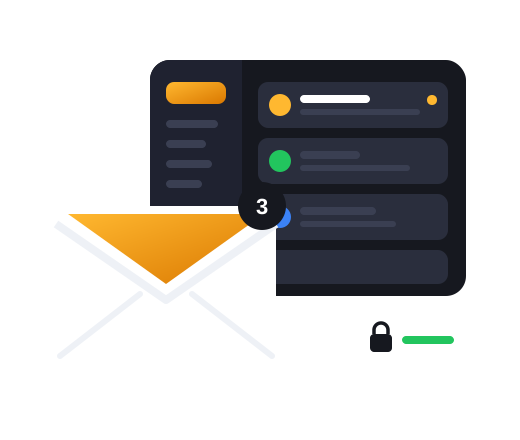
Open your mailbox from your Wilbernight panel: read, reply, attach files and keep your inbox tidy — no app to install, on any computer.

  • Any browser
  • Secure sign-in
  • Your own domain
Nothing to install Works in any browser
Encrypted Secure connection to the server
Full mailbox Read, write, attach, archive
In sync Same mail on your phone

How to sign in

Your inbox in four steps

  1. 1

    Sign in to your panel

    Use the account you bought your mailbox with.

  2. 2

    Open Services

    Choose the mailbox you want to read.

  3. 3

    Enter the mailbox password

    It is used for this session only and never stored.

  4. 4

    Read and reply

    Write, attach, archive and delete, just like any mail app.

Phone or computer

Set up your mailbox
in any mail app.

Incoming mail (IMAP)

Port 993 with SSL/TLS. Keeps your phone, computer and webmail in sync.

Outgoing mail (SMTP)

Port 465 with SSL/TLS, signed in with the same mailbox.

Username

Your full email address, with the mailbox's own password.

Server names

Shown in your panel next to each mailbox, ready to copy.

FAQs

Questions, answered

Webmail

Webmail

I forgot my mailbox password. What now?

Open a support ticket from your panel and we will reset it for you.

Can I use my phone's mail app as well?

Yes. Add the mailbox with the IMAP and SMTP settings above; mail stays in sync everywhere.

Is my password stored?

No. Webmail asks for it when you open the mailbox and forgets it when you sign out.